Register now for better personalized quote!

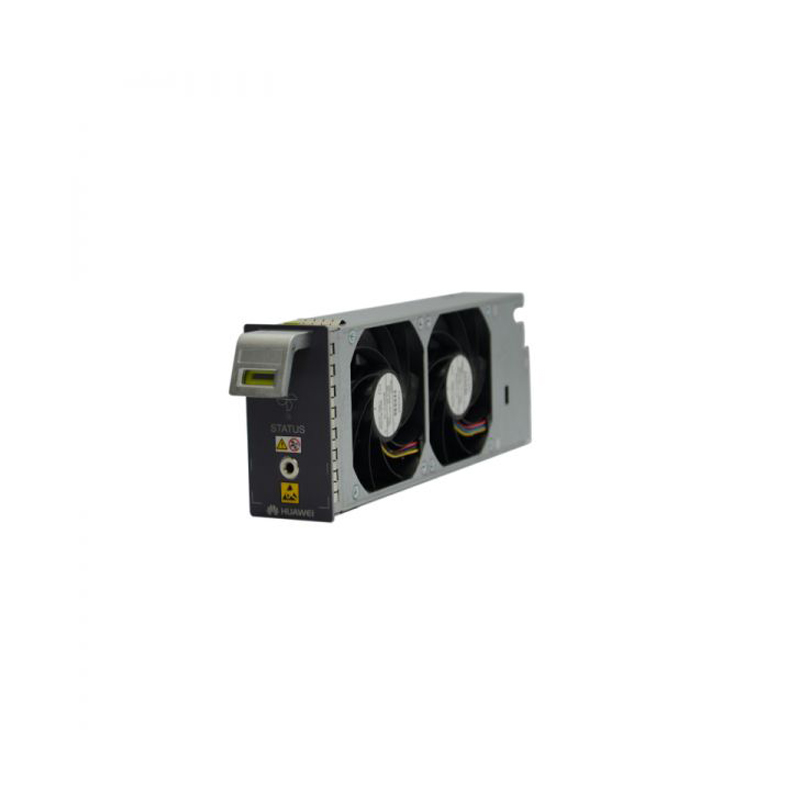
| Detail: | Huawei SmartAX EA5800 EA5800-X2 fan tray |
| Model: | H901FMSA |
| Condition: | Factory Sealed New |
| Related: | |
| Warranty: |
 1-Year Warranty
 100% Money-back
 Free After-Sales Service
|
| Shipping: |
Air Shipping to
United States
, Most Customers Receive during 5-7 Days
?
If you finish the payment today,
your order will arrive within the estimated delivery time. |
| Ships to:
2.5
|
2-7 Days
US$
|
| Payment: |
More
|
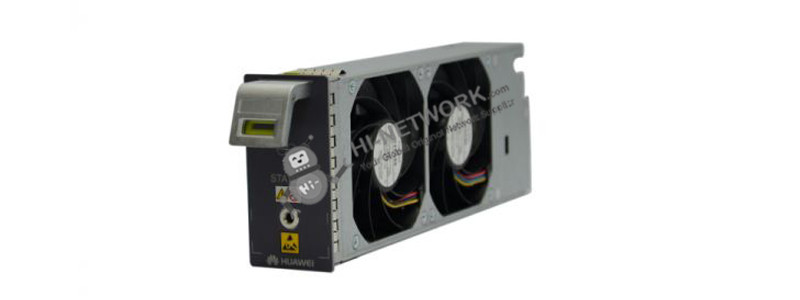
The H901FMSA board is a Fan tray for EA5800-X2.
Board | Power Consumption |
H901FMSA (for fan tray of EA5800-X2) | Fan tray: Static: 6 W Maximum: 63 W |
Do you have any question about the H901FMSA?
Contact us now via [email protected].
Specific Data Sheet:
Huawei SmartAX EA5800 EA5800-X2 fan tray
What is Guaranteed.
After receiving your order, take a full month to try it out. If you find quality is not good , we'll take it back and refund your money. Your complete satisfaction is GUARANTEED or your money back. That's guaranteed.
After your order items which are available. We will use most fast delivery way to global countries. Normally we will ship out cargos during 3 -5 days. And international delivery will take about 3- 10 days according to your location.
Service Never Ends.
Hardwares Warrany Time:
Original New Sealed Hardware: 3 Years
Refurbished/Used Original Devices: 1 Year
After warranty time, you also can contact us to return back for repair service. Everything you purchase from HI-NETWORK.COM. We will offer lifetime online service support for your any possible questions.
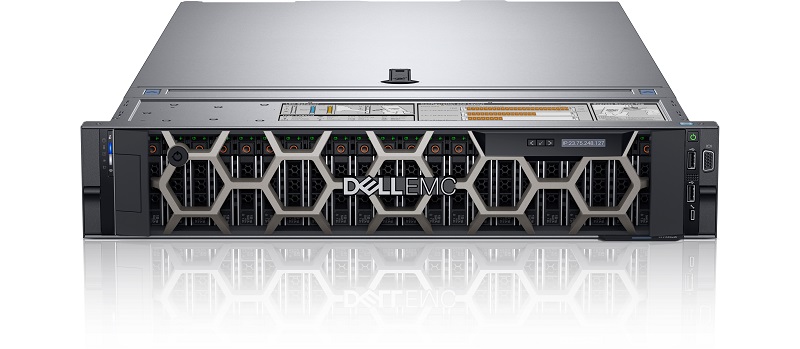
DELL Used R740 Rack Server

S5735-L48LP4S-A-V2 Powers Smarter Campus Networks with Advanced PoE and Cloud Management

S5735-L24T4X-A1 Empowers Installers with Scalable, Reliable, and Efficient Network Access
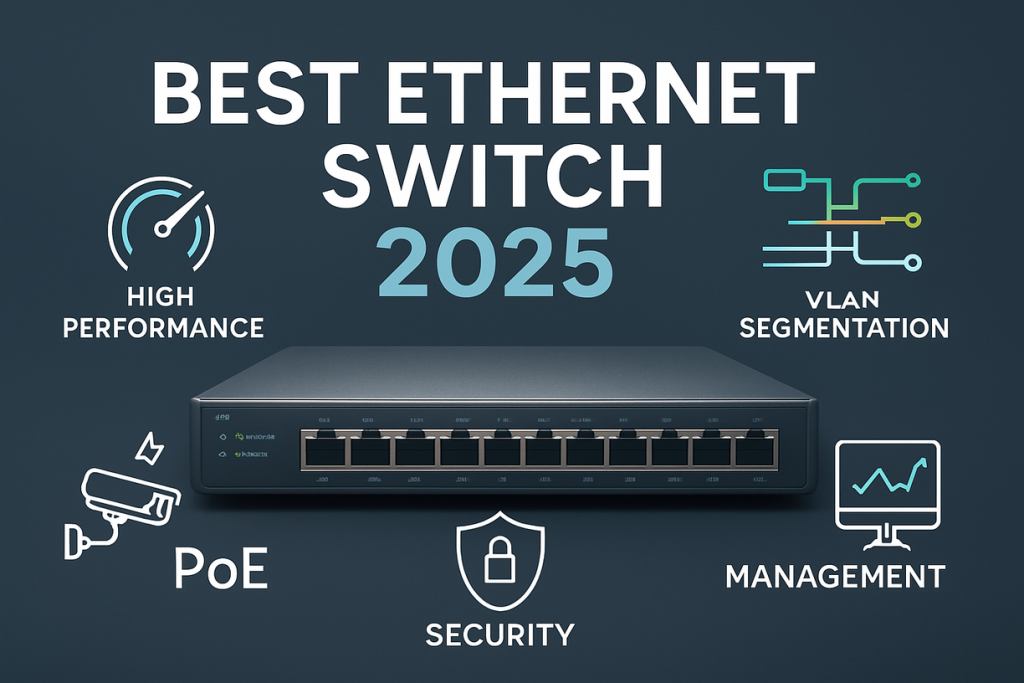
Best Ethernet Switches for Business (2025): Selection Guide and Top Picks
Is there a command on Huawei switches that lists the interface speeds?
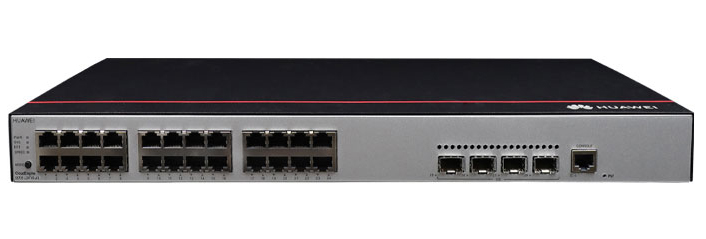
Huawei S5735-L24T4S-A1: A Compact, Stackable Access Switch Built for the Future
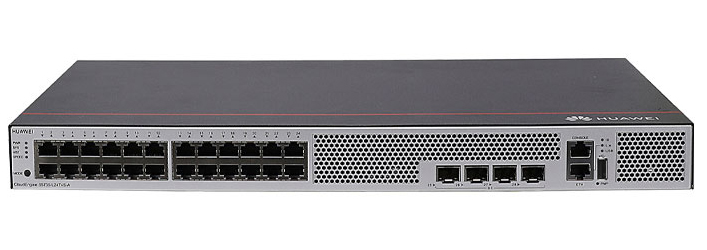
Huawei S5735-L24T4S-A: High-Performance Stacking Meets Zero-Noise Deployment
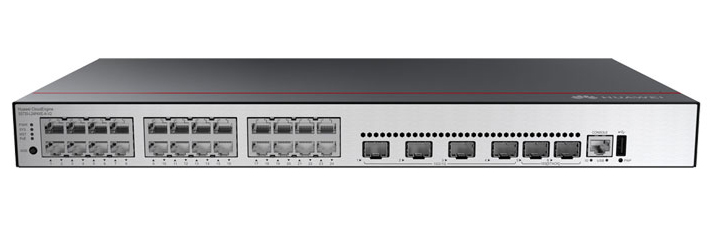
S5735-L24P4XE-A-V2: Huawei’s Smart Choice for High-Density Campus Deployments
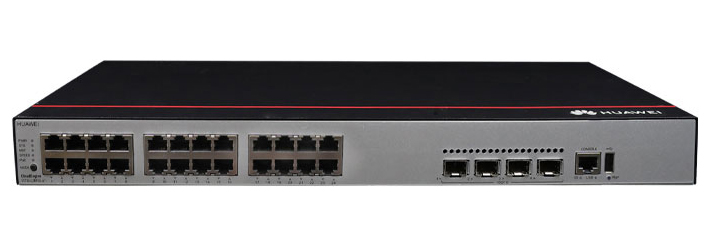
S5735-L24P4X-A1: Huawei’s High-Performance Access Switch Redefining Campus Networking
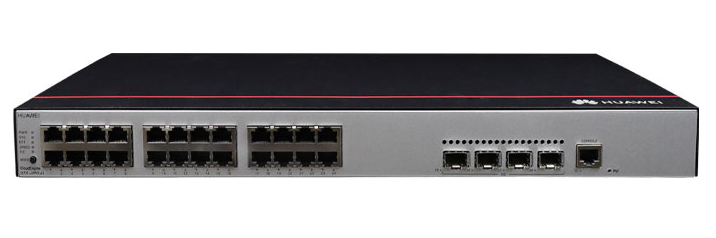
Huawei S5735-L24P4S-A1 Review: Reliable Gigabit Access with Enterprise-Grade Features
Register Email now for Weekly Promotion Stock
100% free, Unsubscribe any time!
Add 1: Room 605 6/F FA YUEN Commercial Building, 75-77 FA YUEN Street, Mongkok KL, HongKong Add 2: Room 405, Building E, MeiDu Building, Gong Shu District, Hangzhou City, Zhejiang Province, China
Whatsapp/Tel: +8618057156223 Tel: 0086 571 86729517 Tel in HK: 00852 66181601
Email: [email protected]
 English
 Pусский
 Français
 Español
 Português