Register now for better personalized quote!

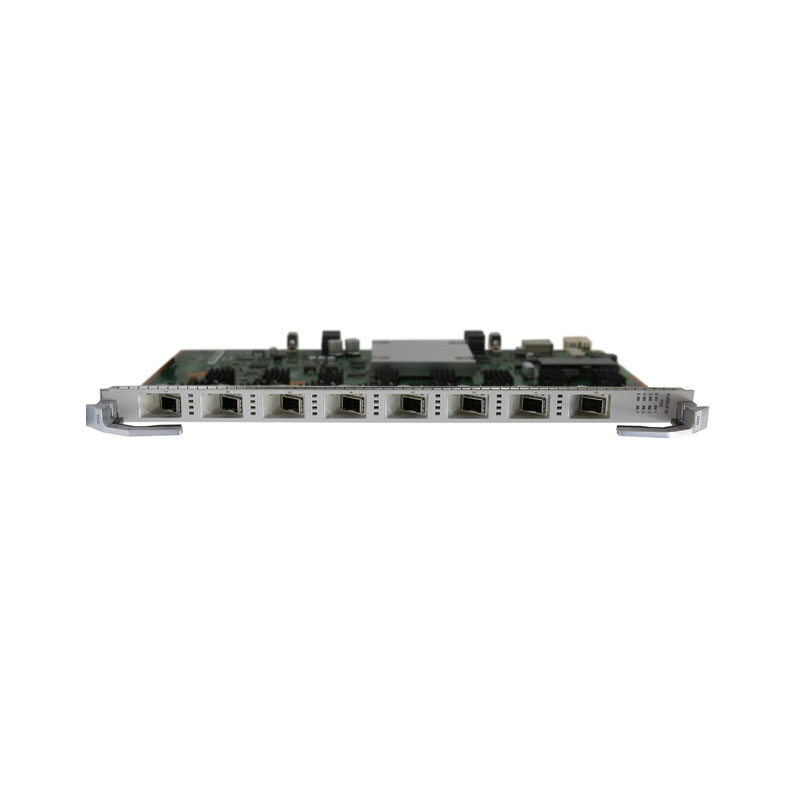
| Detail: | Huawei SmartAX MA5800 H902XSHD 8-port XGS-PON OLT interface board |
| Model: | H902XSHD |
| Condition: | Factory Sealed New |
| Related: | |
| Warranty: |
 1-Year Warranty
 100% Money-back
 Free After-Sales Service
|
| Shipping: |
Air Shipping to
United States
, Most Customers Receive during 5-7 Days
?
If you finish the payment today,
your order will arrive within the estimated delivery time. |
| Ships to:
3.5
|
2-7 Days
US$
|
| Payment: |
More
|
Huawei H902XSHD MA5800 series 8-port XGS-PON OLT interface board with XGS-PON N1/N2 optical module
Model | H902XSHD |
Forwarding capability | 80 Gbit/s |
Rate mode | Asymmetric rate Symmetric rate |
T-CONTs per PON port | 2048 |
Service flows per PON board | 16368 |
Maximum frame size | 2052 bytes 9216 bytes(jumbo frame enabled) |
Maximum number of MAC addresses | 131072 |
Do you have any question about the H902XSHD?
Contact us now via info@hi-network.com.
Specific Data Sheet:
Model | H902XSHD |
Port | 8 |
Forwarding capability | 80 Gbit/s |
Rate mode | Asymmetric rate Symmetric rate |
T-CONTs per PON port | 2048 |
Service flows per PON board | 16376 |
Maximum frame size | 2052 bytes 9216 bytes(jumbo frame enabled) |
Maximum number of MAC addresses | 131072 |
Maximum distance difference between two ONUS under the same pon port | 40km |
FEC | Bidirection |
CAR group | Supported |
Variable-length OMCI | Supported |
HQoS | Supported |
ONU-based shaping or queue-based shaping | Supported |
Type B protection(dual-homing) | Supported |
Type B protection(single-homing) | Supported |
Type C protection(dual-homing) | Supported |
Type C protection(single-homing) | Supported |
1588v2 | Supported |
Rogue ONT detection and isolation | Supported |
Automatic shutdown at high temperature | Supported |
Energy saving for service boards | Supported |
D-CCAP | Supported |
GPON SFP Module Specification | |
Type | N1 Module: One-fiber bidirectional optical module, N1 N2 Module: One-fiber bidirectional optical module, N2 |
Operating Wavelength | N1/N2 Module: Tx: 1577 nm Rx: 1270 nm |
Encapsulation Type | SFP+ |
Port Rate | N1/N2 Module: Tx: 9.953 Gbit/s Rx: 9.953/2.488 Gbit/s |
Minimun Output Optical Power | N1 Module: 2 dBm N2 Module: 4 dBm |
Maximum Output Optical Power | N1 Module: 5 dBm N2 Module: 7 dBm |
Maximum Receiver Sensitivity | N1 Module: XG-PON channel: -27.5 dBm XGS-PON channel: -26 dBm N2 Module: XG-PON channel: -29.5 dBm XGS-PON channel: -28 dBm |
Optical Connector Type | SC |
Optical Fiber Type | Single-mode |
Overload Optical Power | N1 Module: XG-PON channel: -7 dBm XGS-PON channel: -5 dBm N2 Module: XG-PON channel: -9 dBm XGS-PON channel: -7 dBm |
Extinction Ratio | 8.2 dB |
Dimensions (W x D x H) | 23.3 mm x 257.90 mm x 399.20 mm |
Power Consumption | Static: 26 W Maximum: 48 W |
Operating temperature | -40°C to +65°C |
What is Guaranteed.
After receiving your order, take a full month to try it out. If you find quality is not good , we'll take it back and refund your money. Your complete satisfaction is GUARANTEED or your money back. That's guaranteed.
After your order items which are available. We will use most fast delivery way to global countries. Normally we will ship out cargos during 3 -5 days. And international delivery will take about 3- 10 days according to your location.
Service Never Ends.
Hardwares Warrany Time:
Original New Sealed Hardware: 3 Years
Refurbished/Used Original Devices: 1 Year
After warranty time, you also can contact us to return back for repair service. Everything you purchase from HI-NETWORK.COM. We will offer lifetime online service support for your any possible questions.
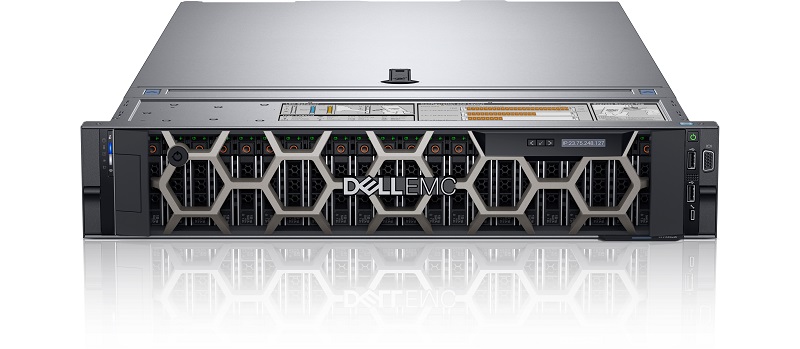
DELL Used R740 Rack Server
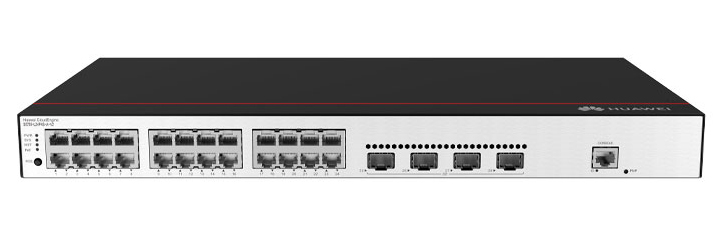
Huawei s5735-l24p4s-a-v2 Delivers Scalable, Secure, and Smart PoE Access for Modern IT Infrastructures
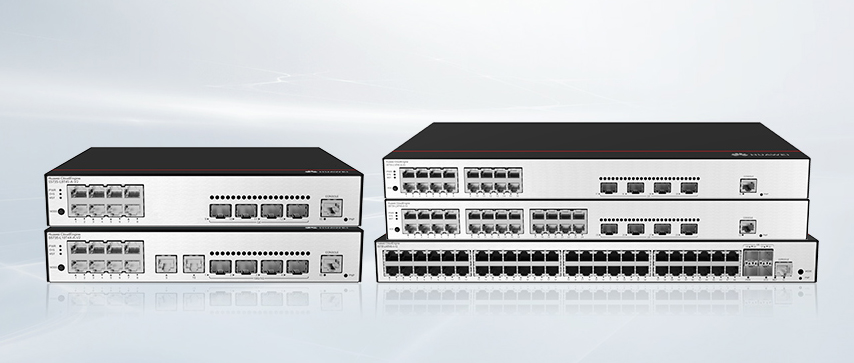
Huawei S5735-L48T4XE-A-V2 Switch Delivers Enterprise-Grade Performance in a Compact Design
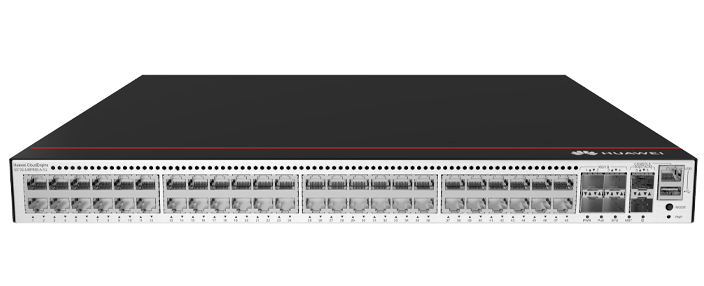
Huawei S5735-L48P4XE-A-V2 Review: Versatile Campus Switch with iStack and Full L3 Support

Differences Between Huawei CE Series and S Series Switches
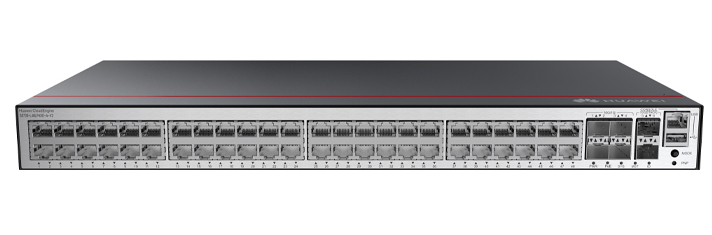
Huawei CloudEngine S5735 Switches Set the Benchmark for High-Performance, Energy-Efficient Switching
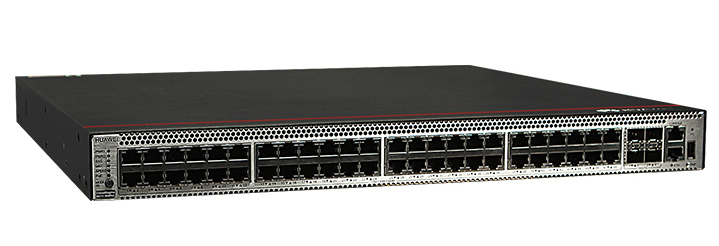
Huawei CloudEngine S5731‑S48P4X Datasheet
Huawei CloudEngine S5731‑S24P4X Datasheet
Huawei S5731-S Empowers Next-Generation Campus Networks with Advanced Capabilities
Huawei S5731-H24P4XC Switch Review: Power-Packed Performance and Smart PoE
Register Email now for Weekly Promotion Stock
100% free, Unsubscribe any time!
Add 1: Room 605 6/F FA YUEN Commercial Building, 75-77 FA YUEN Street, Mongkok KL, HongKong Add 2: Room 405, Building E, MeiDu Building, Gong Shu District, Hangzhou City, Zhejiang Province, China
Whatsapp/Tel: +8618057156223 Tel: 0086 571 86729517 Tel in HK: 00852 66181601
Email: info@hi-network.com
 English
 Pусский
 Français
 Español
 Português